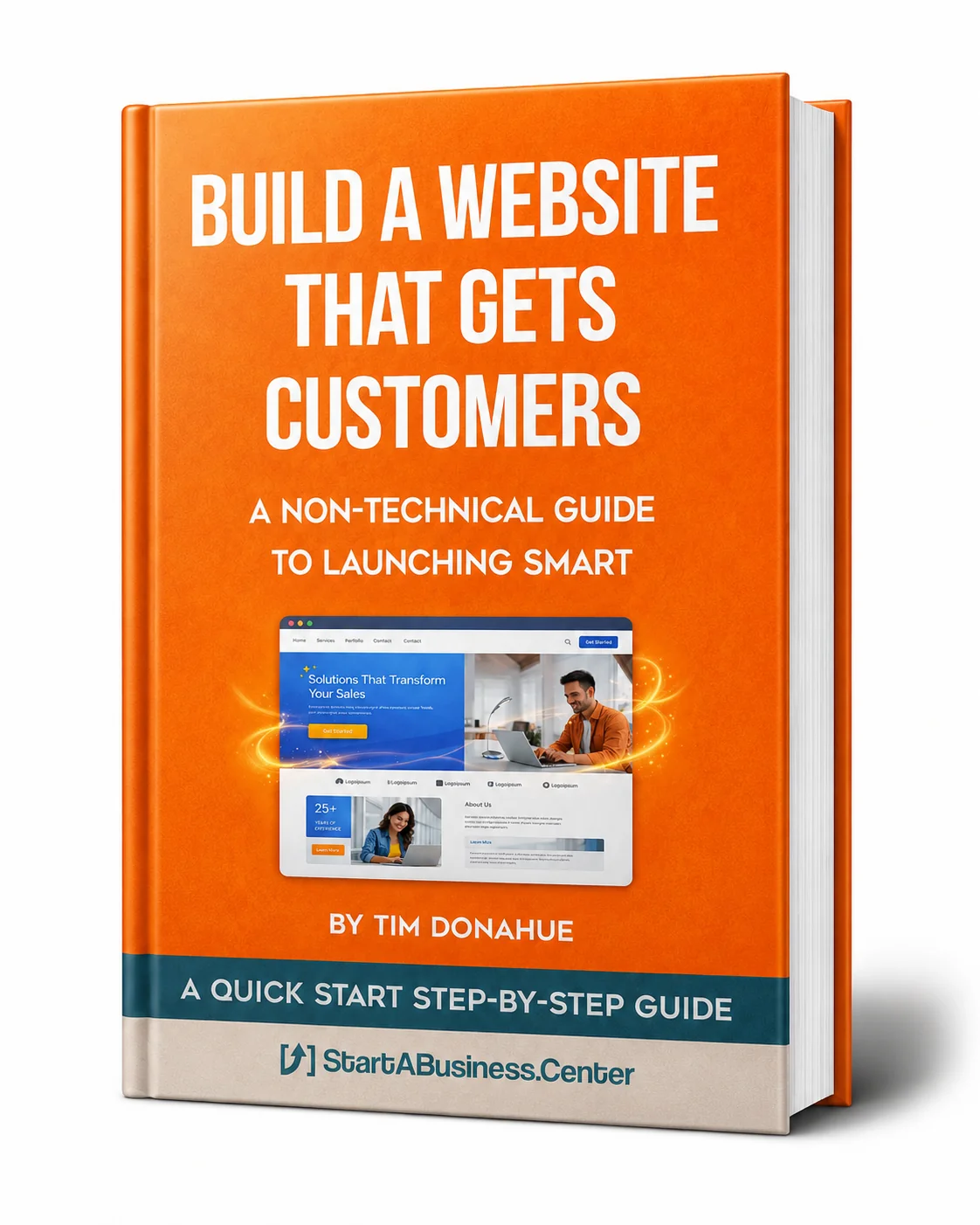
Build a Website That Gets Customers
A 5 Minute Assessment for Your Website Strategy
Launch a professional site without wasting time or money
Tim Donahue | StartABusiness.Center
You don't need to be technical to have a great website. You need clarity about what it should do and smart decisions about how to build it.
This assessment helps you avoid expensive mistakes and get online fast.
1. What Kind of Website Do You Actually Need?
Not every business needs a complex website. Start with what matches your business model:
Simple Landing Page (1-2 Pages)
- Best if you're just starting or testing
- Explains your offer and collects emails
- Can be built in a weekend
- Cost: Free to $50/month
Business Website (5-10 Pages)
- Home, About, Services, Contact, Blog
- Best for service businesses and consultants
- Establishes credibility
- Cost: $20-100/month
E-commerce Store
- Need to sell products online with shopping cart
- Requires payment processing and inventory
- More complex but doable
- Cost: $30-300/month depending on features
What type do you need?
My website type:
Start simple. You can always upgrade later.
2. Which Platform Should You Use?
Don't get paralyzed by platform choice. Here's what works for most small businesses:
Squarespace
- Beautiful templates, super easy
- Best for service businesses and portfolios
- Limited customization but fast setup
- $16-49/month
WordPress with a Theme
- Most flexible, huge community
- Steeper learning curve but powerful
- Best if you want full control
- $5-50/month (hosting + theme)
Shopify
- Built for e-commerce
- Handles products, payments, shipping
- Easy but not cheap at scale
- $29-299/month
Carrd or Wix
- Super simple, great for landing pages
- Limited features but perfect for testing
- Free to $20/month
Pick your platform:
I'll use:
Can't decide? Start with Squarespace (services) or Shopify (e-commerce). They're beginner-friendly and you can switch later if needed.
3. What Pages Are Essential?
Start with these 5 core pages. Skip everything else.
1. Homepage
- Clear headline explaining what you do
- Who you help and what problem you solve
- One clear call to action (CTA)
2. About Page
- Your story (why you started this)
- Your credibility (experience, results)
- Make it personal but customer-focused
3. Services/Products Page
- What you offer and what's included
- Pricing (if you're comfortable sharing it)
- How to buy or get started
4. Contact Page
- Email, phone (optional), contact form
- Response time expectations
- Location if you're local
5. Proof/Testimonials
- Customer reviews, case studies, before/after
- Can be part of homepage or separate page
- Social proof sells
Later you can add: Blog, FAQ, Resources, Portfolio. But start with these 5.
4. What Should Your Homepage Say?
Your homepage has one job: Make it instantly clear what you do and why someone should care.
The 5-Second Homepage Test:
- Can a stranger understand what you do in 5 seconds?
- Do they know if it's for them?
- Is there one clear next step?
Homepage Formula:
Headline: What you do + who it's for
Subheadline: The benefit or transformation
Call to Action: One clear button (Book a Call, Get Started, Shop Now)
Draft your homepage headline:
Headline:
Subheadline:
CTA button text:
Bad Example: "Welcome to ABC Consulting - Innovative Solutions for Modern Businesses"
Good Example: "Marketing Strategy for Health & Wellness Brands - We help you attract dream clients without paid ads"
5. Should You DIY or Hire Help?
Honest answer: It depends on your budget, timeline, and comfort with tech.
DIY Makes Sense If:
- You have time to learn (plan 2-4 weeks)
- Your budget is under $500
- You want full control and aren't in a rush
- You're using a beginner platform (Squarespace, Wix, Carrd)
Hire Help If:
- You need it done fast (under 2 weeks)
- You want custom design or complex features
- Tech frustrates you and will slow you down
- You'd rather spend time on sales/marketing
Budget Guidelines:
- DIY with template: $0-200
- Freelancer on Fiverr/Upwork: $300-1,500
- Professional designer: $2,000-10,000+
Smart middle ground: Write all your copy yourself, pick a template you like, then hire someone on Upwork for $300-500 to set it up and make it look professional.
Website Readiness Check
Ready to Build
- You know what type of site you need
- You've picked a platform
- Your homepage copy is drafted
- You know your 5 essential pages
- You've decided DIY vs. hire
Not Ready Yet
- Your offer isn't clear (go back to Guide 4)
- You don't know what your homepage should say
- You're overthinking design before you have copy
Launch Fast, Improve Later
- A simple site live today beats a perfect site "someday"
- You can always redesign after you have customers
- Focus on clear copy over fancy design
Your Next Action
Pick one website action to complete this week:
- Choose your platform and sign up for a trial
- Write your homepage headline and subheadline
- Draft copy for your 5 essential pages
- Pick a template that matches your style
- Buy your domain name (keep it simple, use .com if possible)
Remember: Done beats perfect. Your first website doesn't need to be beautiful. It needs to clearly explain what you do, who it's for, and how to buy. You can polish it later.
Want the Complete Website Blueprint?
Get the full guide with templates and step-by-step setup:
→ Read Quickie Guide (30-minute read with checklists)
→ Read Full Guide (Complete workbook with examples)
TIM DONAHUE - Entrepreneur / Mentor
StartABusiness.Center
